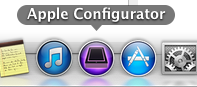
Verify that iTunes is Closed, then Open Apple Configurator.
Attach device you wish to assign using the appropriate USB cable.
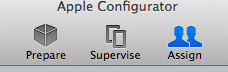
Go to "Assign" tab, by clicking on "Assign" from the row of icons at the top middle of the program.
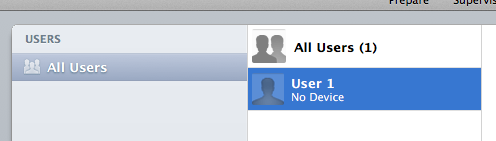
Locate and Select the appropriate user by clicking on the name,
then, push the "Check Out" button found at the bottom of the screen.

From the list box at the top of the window that just popped up, locate and select "USB Connected."

Your list will change to show 1 User and 1 Device.
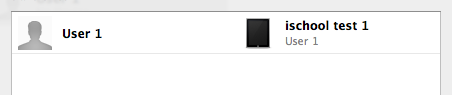
If the above information is correct, click the "Check Out" button and the iPad will be
processed and assigned.