
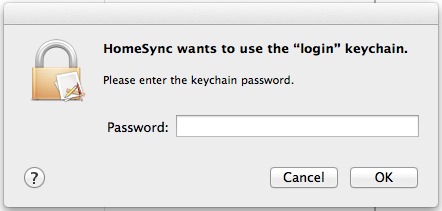
Perform the following steps when this message is appearing on every restart.
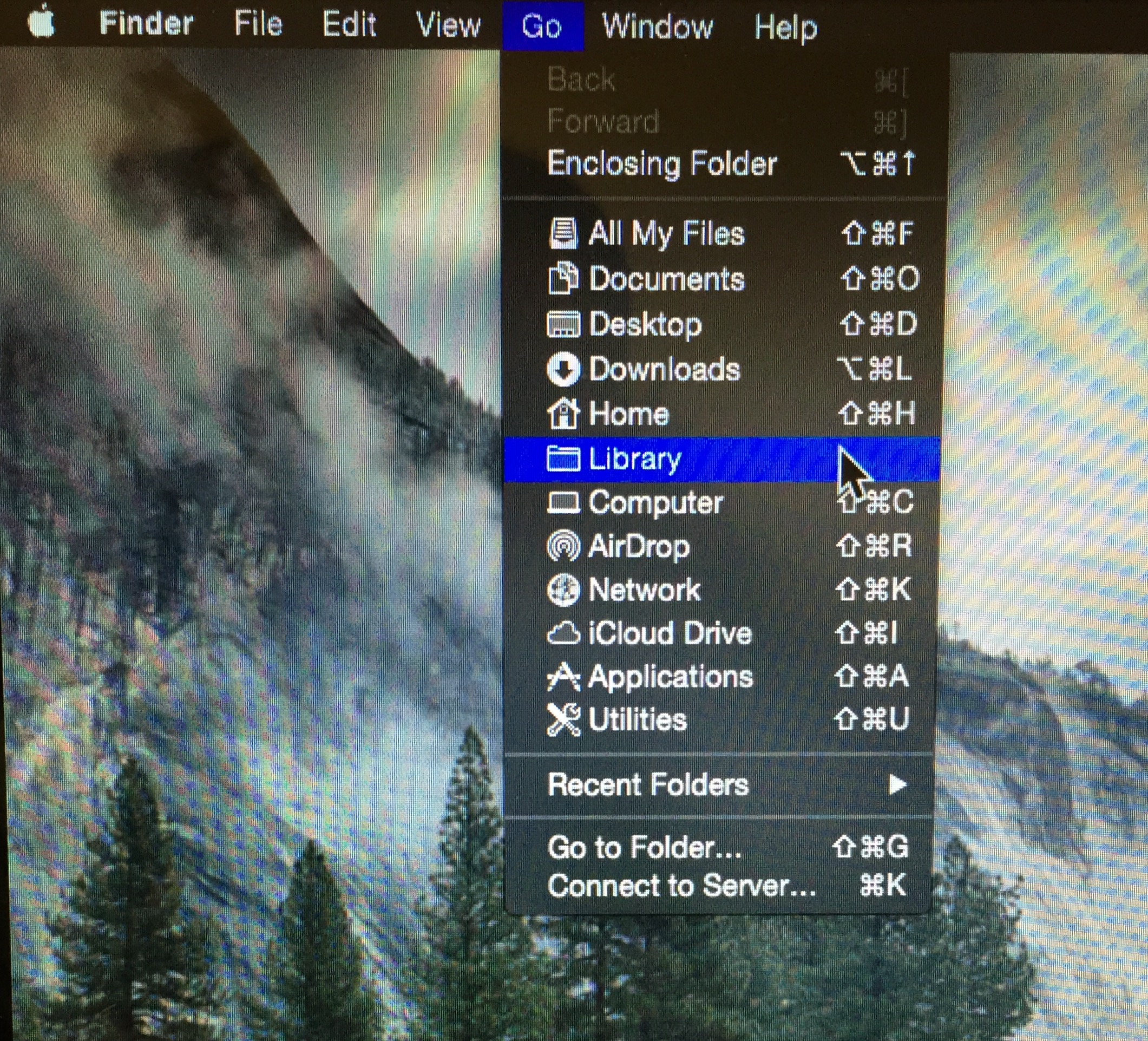
From the user account, Navigate to the users Library/Keychains directory.
Open Finder. Click on "Go" in the menu bar at the top of the screen.
Hold down the Option key and click on "Library" when it appears.
Go to the Keychains folder and locate the file named "login.keychain"

Delete login.keychain
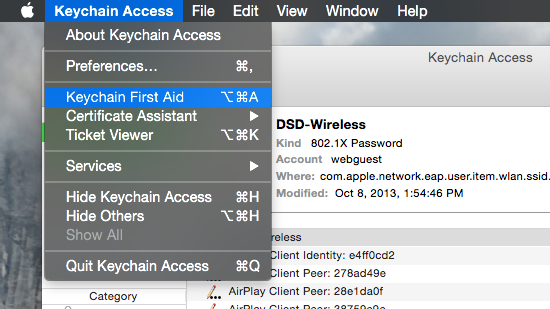
open Keychain Access app.
From the menu bar at the top of the screen, select Keychain Access then go to Keychain First Aid
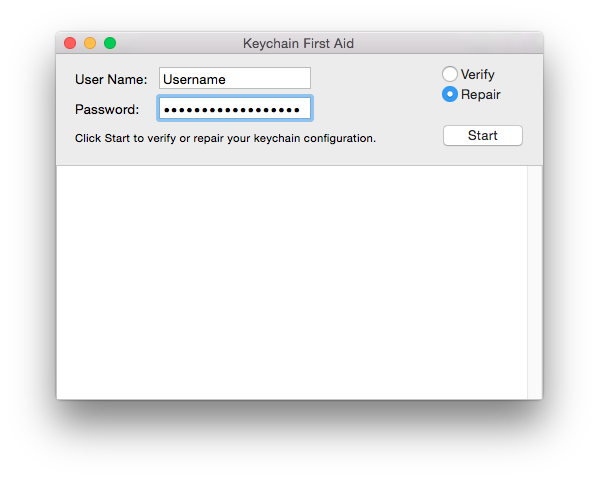
Enter the username and password for the account.
select the "Repair" option and click start.
Results will fill the window below, when it says "Repair Completed," Re-boot the machine.
OSX 10.9.5
mm
20141201